Keeping your staff directory current is important, particularly for the Director and Unit Information Security Lead roles. Staff in these roles are automatically included in Information Security communications and the ANR Information Security Collaborative Tools Group.
For instructions specific to directors, see updating your staff directory as a director.
Instructions
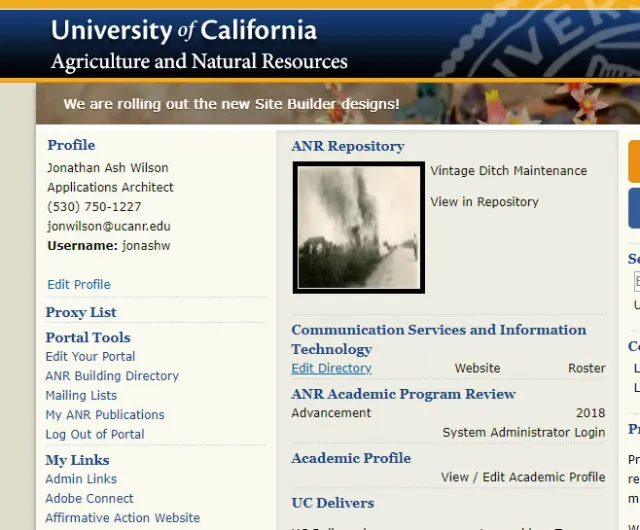
On your Portal, click Edit Directory next to the unit of interest.
You will see a listing of staff in that unit.
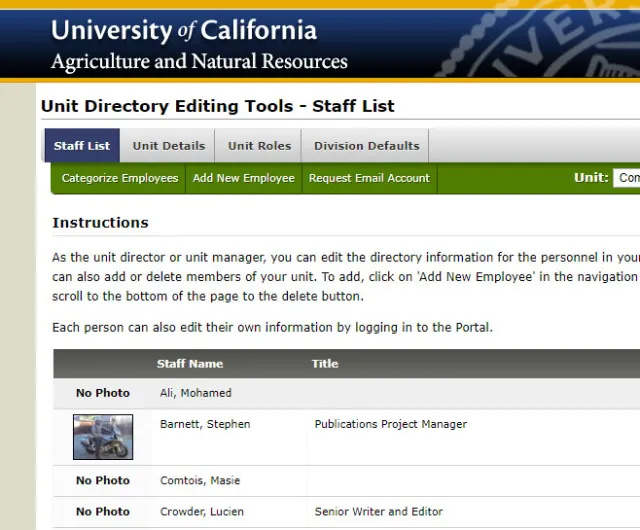
Click Unit Roles to see a full listing of current roles in your unit.
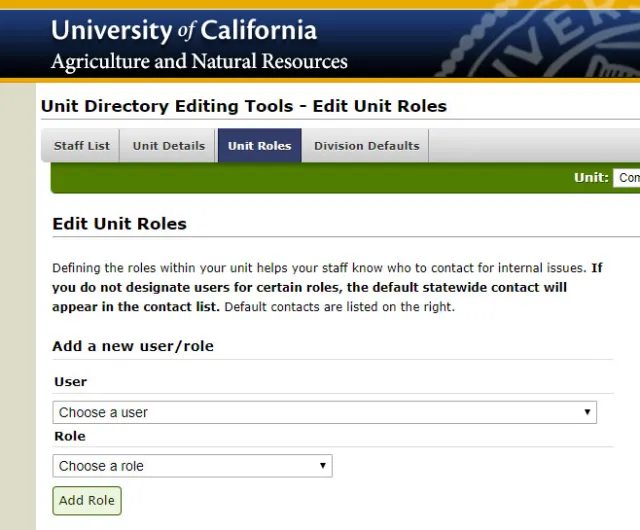
Under User, select the person filling the role, select the relevant role, and click Add Role.
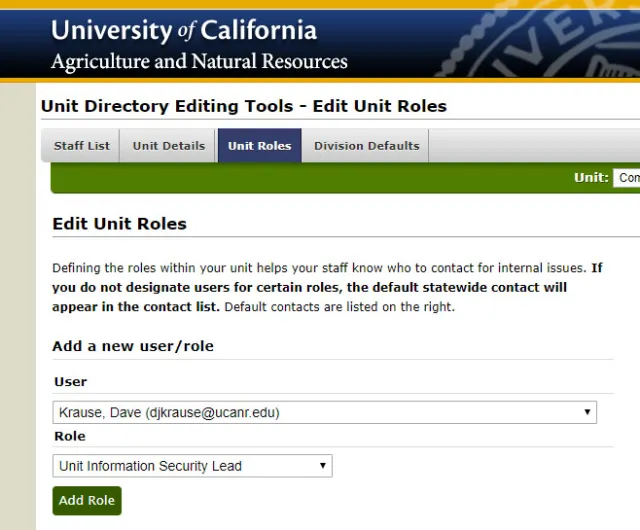
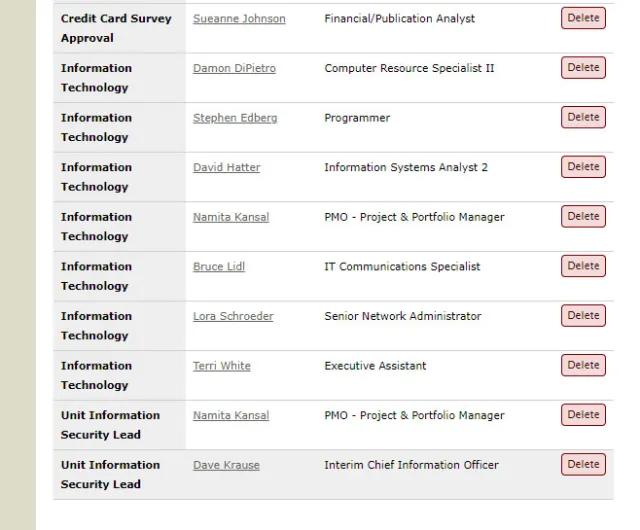
Scroll down to confirm the new user and role appear in the list.
Confirm your changes by checking the People page.